Pickup and drop-off appointments, on-site visits, due dates and customer deadlines appear automatically in Google Calendar, iPhone or Outlook. Just add one URL. No more copying appointments by hand, and your day's schedule is on your phone wherever you are.
Available on: All plans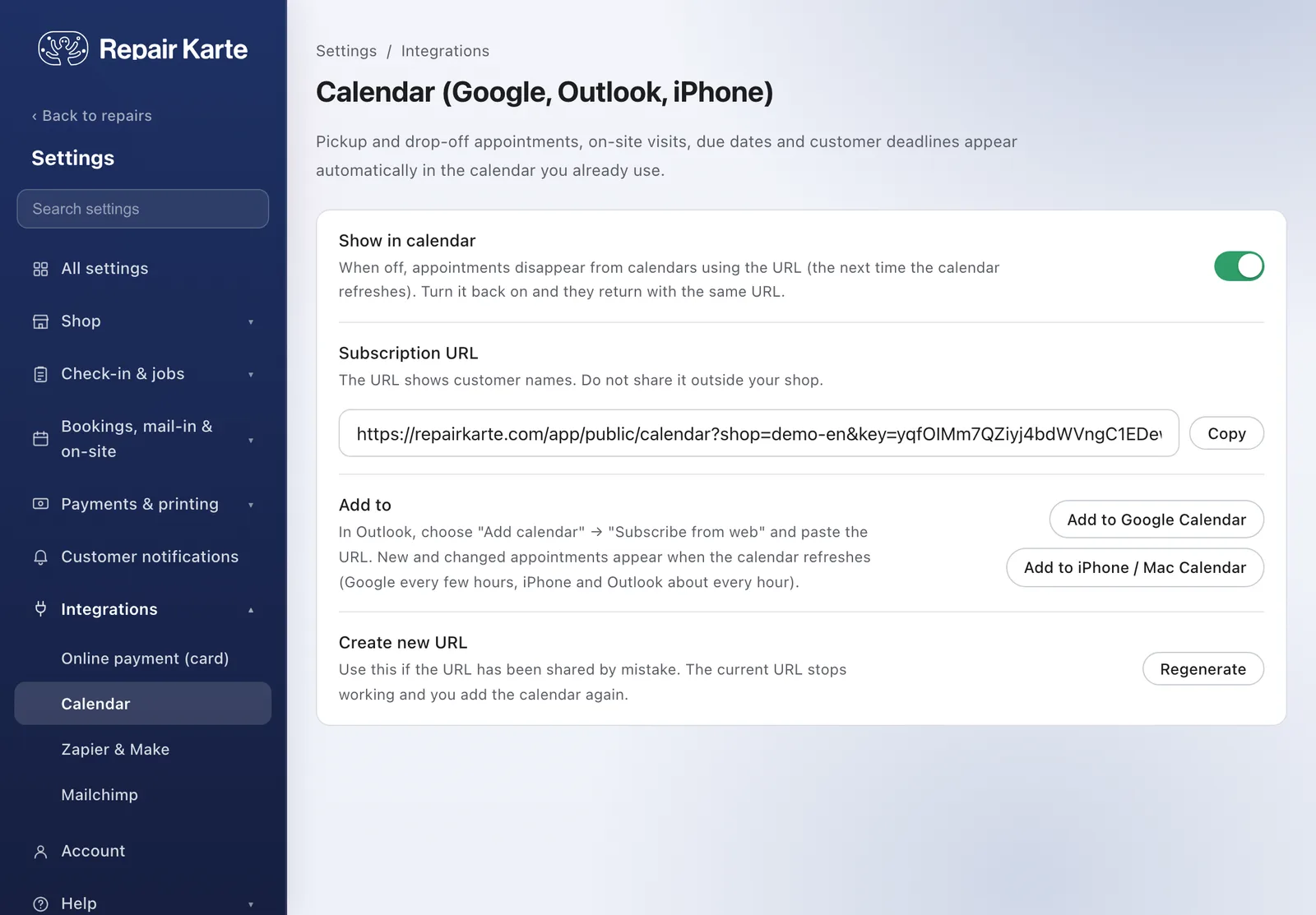
Appointments booked for a time show at that time; time-of-day slots, due dates and customer deadlines show as all-day events. On-site visits take an hour from the set time. Cancelled appointments and picked-up repairs drop off.
Turn on Calendar in Settings and press Add to Google Calendar or Add to iPhone / Mac Calendar. In Outlook, paste the URL to subscribe. New and changed appointments appear the next time the calendar refreshes.
Turn it off when you don't need it: appointments disappear from the calendar and come back with the same URL when you turn it on. If the URL is shared by mistake, the owner can regenerate it and the old one stops working.
When the calendar refreshes: every few hours in Google Calendar, and about every hour on iPhone and in Outlook.
Pickup appointments, drop-off appointments before a repair, on-site visits, due dates and customer deadlines. Due dates show until the work is done, and customer deadlines until the item is picked up.
Yes, add the same URL to each person's calendar. The URL shows customer names, so keep it inside your shop.
Yes, Calendar Sync works on every plan, including Free. Adding the calendar in Google, iPhone or Outlook is free too.
The Free plan covers up to 100 repairs a month for 1 staff login, with no credit card, and stays free. Automatic email updates to customers start on Standard. Every new account gets all Pro features free for 30 days.

