Repair Karte emails your customer automatically when the estimate is ready and when the repair is done, with a link to approve the estimate and check progress online. Customers just scan the QR code on their check-in tag and enter their email, and you get far fewer "is it ready yet?" calls.
Available on: Standard / ProAvailable on Standard and Pro. Every new account gets all Pro features free for 14 days. Compare plans →
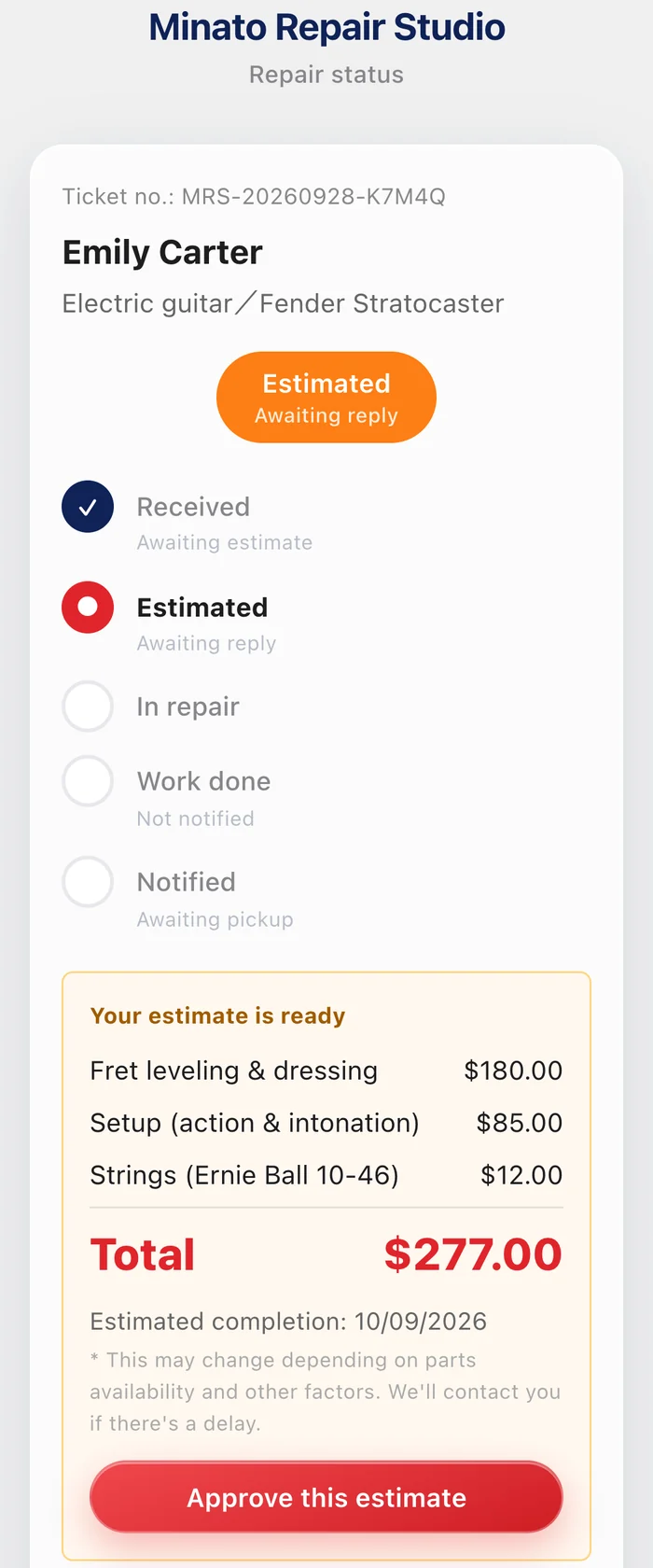
Just advance the status, and a notice goes out to the customer by email automatically.
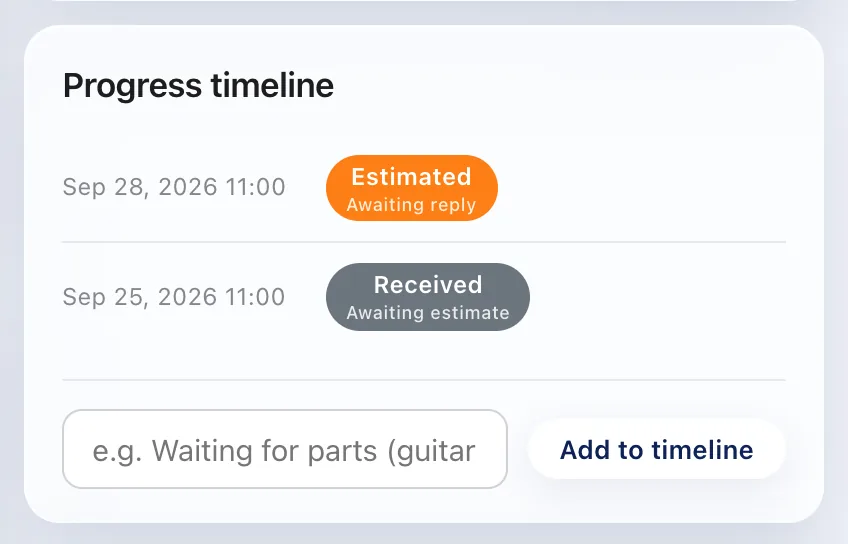
Customers review the estimate on their screen and approve or cancel on the spot.
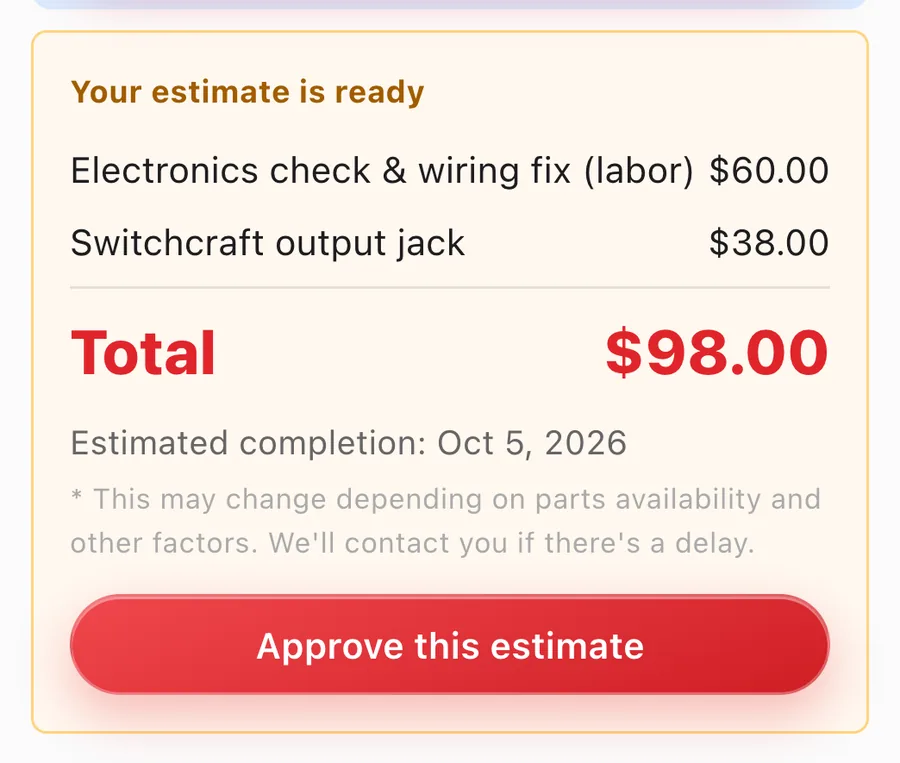
Via the QR code on their check-in tag or the link in each email, customers can check on their repair anytime, by themselves.
No. Automatic email updates are part of the Standard and Pro plans. Every new account gets all Pro features free for 14 days, so you can try them without a credit card. If the account goes back to Free after the trial, automatic updates stop.
Nothing to install. They scan the QR code on their check-in tag and enter their email address once, or you add it at check-in. After that, updates arrive by email with your shop's name as the sender.
Yes. The email links to the repair's status page, where the customer reads the estimate and slides to approve it, or cancels from the same page. Once they approve, the ticket moves on and you see it on your screen, with no phone tag.
They can open the status page anytime from the QR code on their claim tag (Standard and up). On the Free plan, share the status page link yourself, and they can still check progress and approve the estimate there.
For in-store repairs, twice: when you move a repair to "Estimated (Awaiting reply)" and to "Work done". Reminders you switch on (estimates and pickup), review requests (Pro), and mail-in arrival and shipping notices are sent as well.
Yes. If a repair is still Work done or Notified after the number of days you pick (3, 5, 7 or 14), a pickup reminder goes out once, automatically. Estimates waiting for an answer can get one reminder after 2, 3, 5 or 7 days. Both are off until you switch them on in Settings.
No. Repairs imported from an Excel or CSV log, or from another repair system, send nothing to customers. Emails start only when you move a repair to the next status after the import.
The Free plan covers up to 100 repairs a month for 1 staff login, with no credit card, and stays free. Automatic email updates to customers start on Standard. Every new account gets all Pro features free for 14 days.