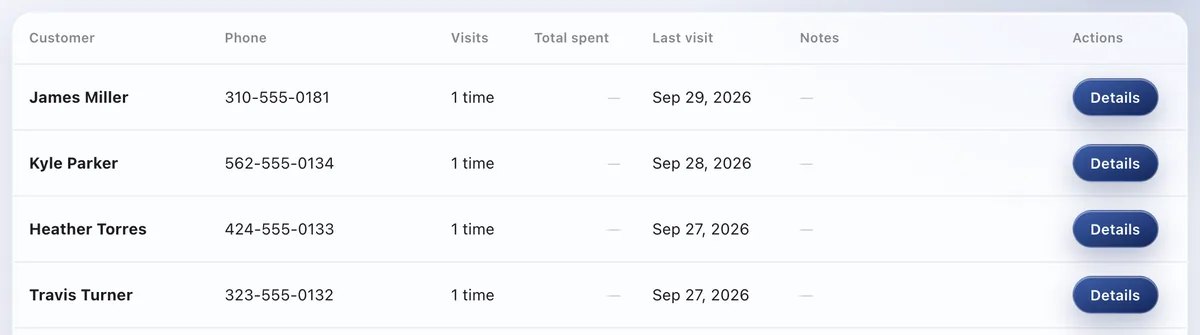
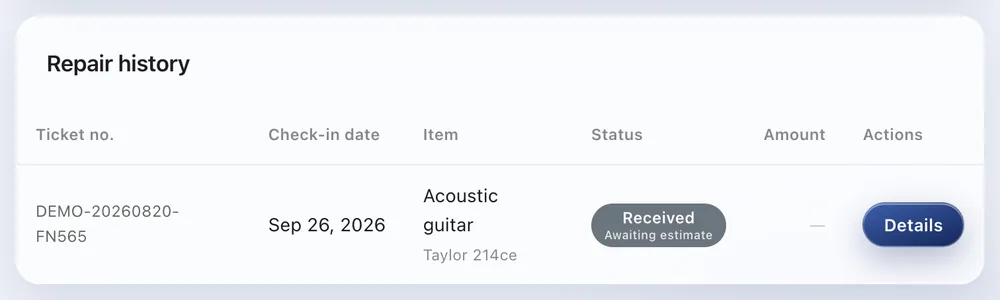
Each customer's repair history builds up automatically. Past conversations and items are right there, so you can serve every customer personally.
Available on: All plans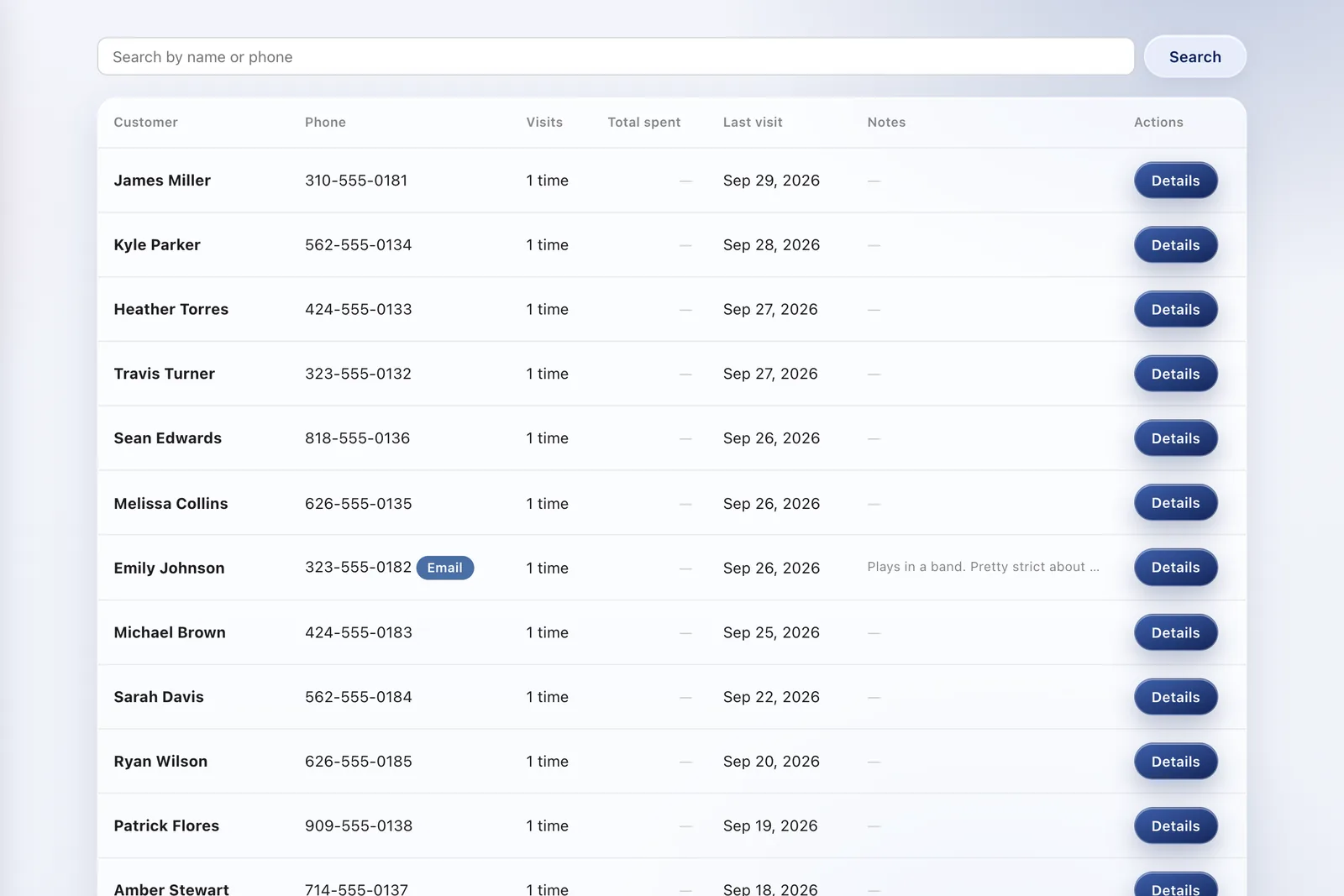
Just take in repairs as usual — the customer's history accumulates on its own.
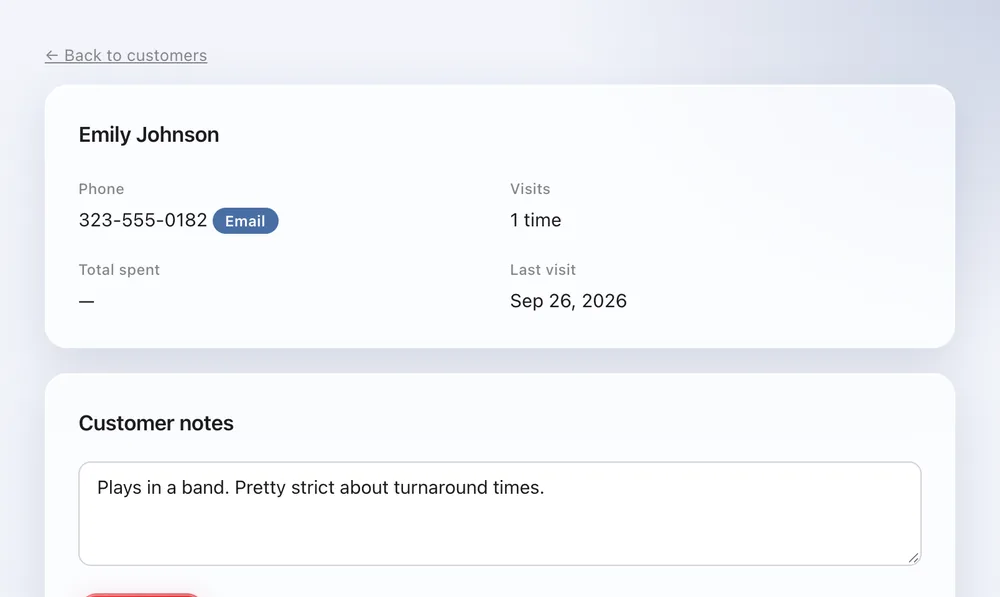
Per-customer notes let the whole staff share preferences and points of care.
Past symptoms and work are instantly visible — the kind of service that gets chosen again.
Yes. Type a name or phone number into the search on the Customers page, and tap the customer to open their repair history. Phone numbers match with or without dashes, and part of a number (such as the last four digits) works too. If a customer has a second number, like home and mobile, add it on their page and either number will find them. At check-in, entering a phone number also brings up that customer's past repairs.
Customer records group repairs by customer, using the phone number. Serial numbers group repairs of the same item. Turn on Settings > Check-in & jobs > Serial number to ask for it at check-in, and the Customers page gets a Customers / Items switch showing how many times each item has been in and its full history. Even when an item changes hands, the serial number links it to its earlier repairs (all plans).
Yes, free on every plan. Under Settings > Check-in & jobs > Ask us to import, send us an Excel or CSV file, an export from another repair system, or photos of your paper ledger, and our team imports it for you. We'll let you know in the support chat when it's done. Customers are grouped by phone number, so their past repairs are searchable from then on.
Customer records and repair history are on every plan. The number of staff who can log in depends on the plan: 1 on Free, up to 3 on Standard, and unlimited on Pro. Customer notes are shared with everyone who logs in.
Yes, on every plan. On your shop's status page, a customer enters their phone number and sees their repairs with the status and estimate of each. Look-ups from one place are limited, so nobody can try numbers one after another to find someone else's repairs.
Connect Mailchimp and customers with an email address are added to your audience automatically, tagged by item type or repair tag if you like (Standard and Pro).
The Free plan covers up to 100 repairs a month for 1 staff login, with no credit card, and stays free. Automatic email updates to customers start on Standard. Every new account gets all Pro features free for 30 days.

