A checkout barcode is generated automatically from the repair details. Scan it at your register and the amount is entered for you — no keying mistakes. Labor, parts, and other categories can be rung up separately too.
Available on: Pro (shops in Japan and Taiwan only)A Pro plan feature, not included on Free or Standard. Every new account can try it free for 30 days. Compare plans →
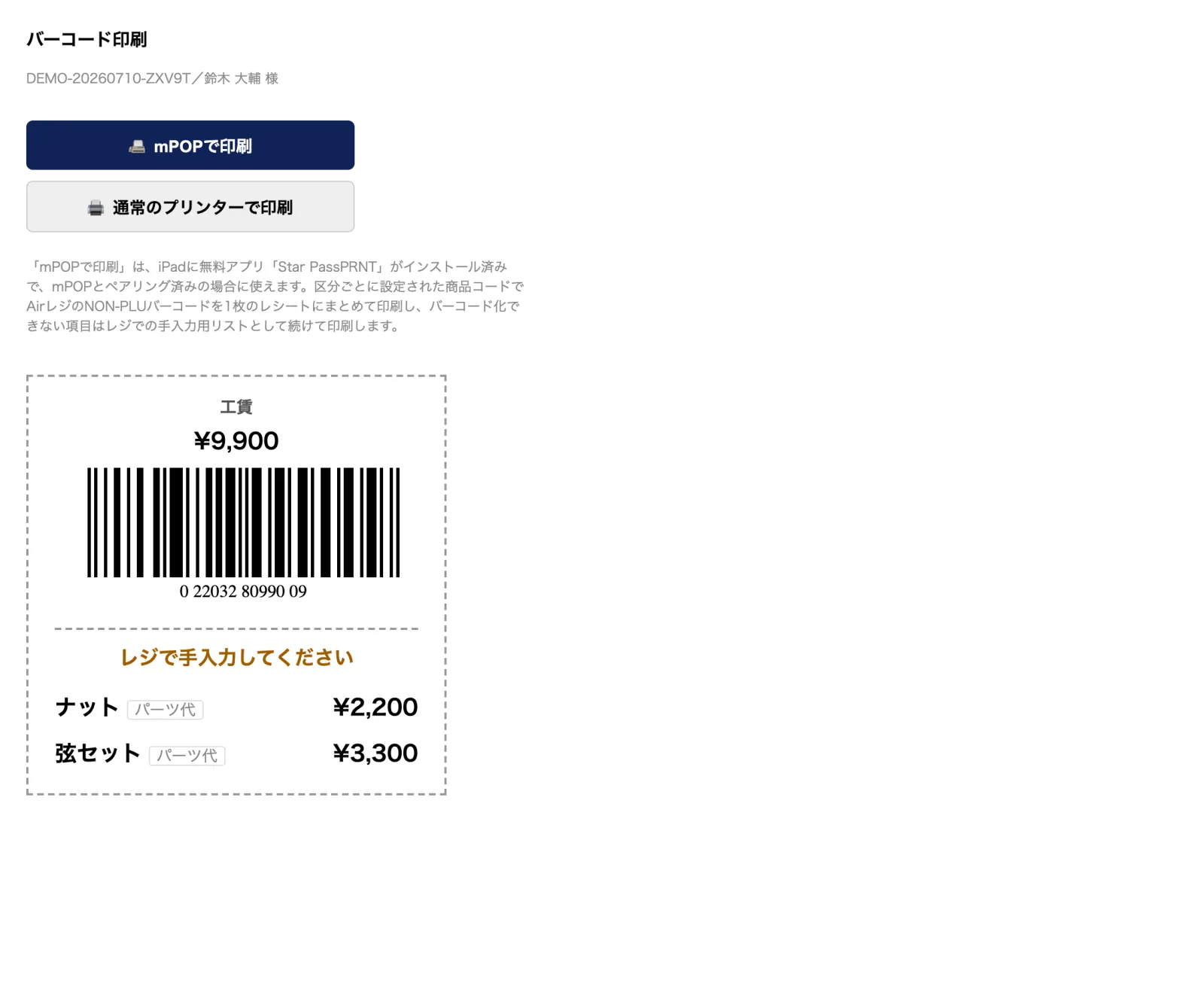
The confirmed estimate amount is converted into an EAN-13 barcode automatically.
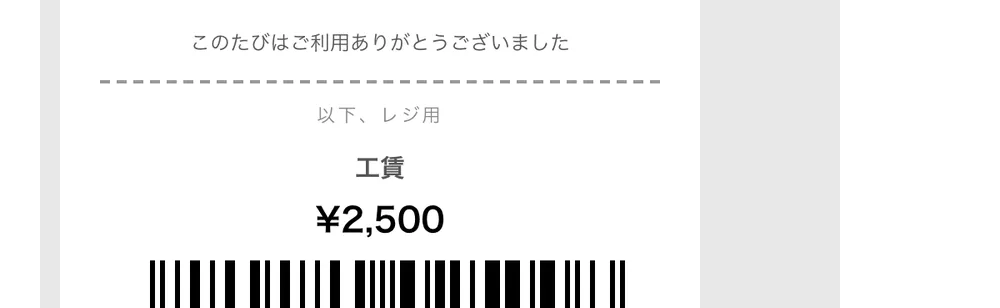
Works with registers that read NON-PLU (price-embedded) barcodes, such as AirREGI, Smaregi and Ubiregi. One scan enters the amount — zero keying errors.
Labor, outsourcing, parts and more can each be grouped onto a single receipt.
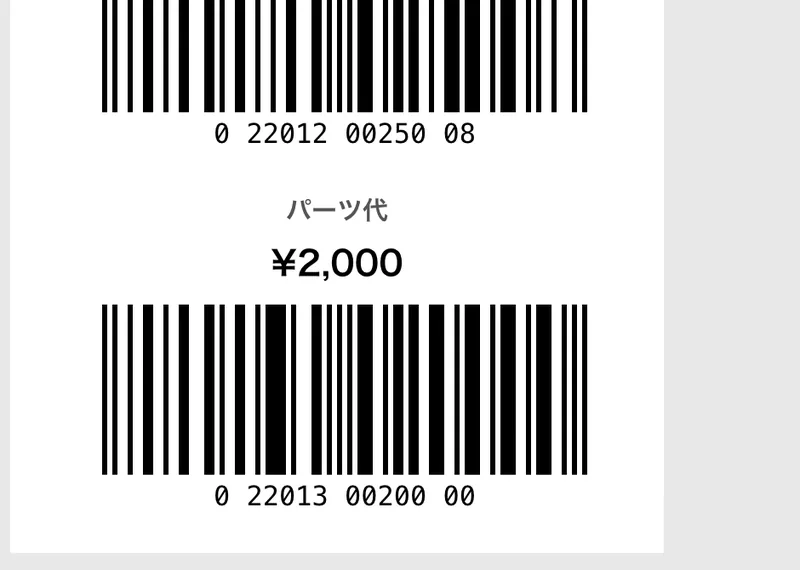
Any register that reads NON-PLU (price-embedded) barcodes. The settings page shows how to match AirREGI, Smaregi and Ubiregi, and other registers work once the two-digit prefix and the price check digit match Repair Karte. This feature is for shops in Japan and Taiwan.
Three things. 1) In Settings > Payments & printing > Register barcodes (NON-PLU), match the prefix and price check digit to your register. 2) On the same page, give a product code (4 or 5 digits) to line-item categories such as Labor (the product code field appears when POS is turned off). 3) On the register, turn on NON-PLU barcodes and register products with the same codes. Tax is handled by the product settings on the register.
The register section of the completion slip shows one barcode per category that has a product code, carrying that category's total. It's the same on A4 slips and mPOP receipts. Categories without a code (such as parts rung up with their own barcodes) and amounts too large for the barcode's digits are listed with their prices in the same section, to key in at the register.
The Free plan covers up to 100 repairs a month for 1 staff login, with no credit card, and stays free. Automatic email updates to customers start on Standard. Every new account gets all Pro features free for 30 days.

